
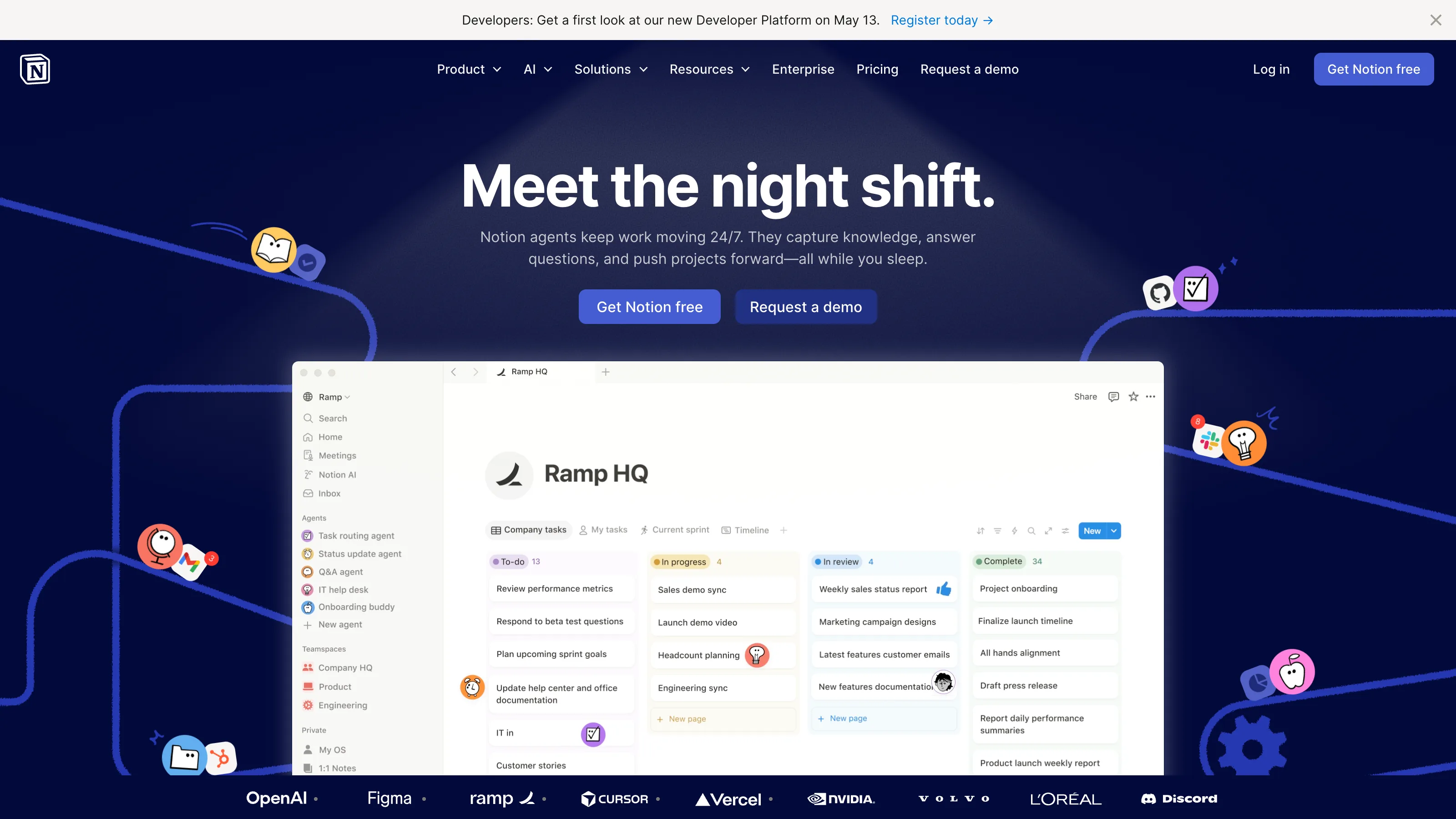
Notion is the cutlery drawer in your kitchen — a spoon, a knife, a fork, a can opener, three rubber bands, one battery, a twist-tie. If you want a proper chef’s knife, look elsewhere. If you want “whatever I need to solve, it’s in there,” this is your drawer. The whole product works because of that bargain: a worse version of every specialist tool, traded for everything in one place, one mental model, one bill.
I ran Notion as the single source of truth for a solo consulting practice for 180 days in 2025–2026 — CRM, wiki, project tracker, publishing calendar, finances dashboard, AI scratchpad, all in the same workspace. For six months before that, I used it shared with two small teams (a 3-person creative agency and a 4-person SaaS shop) to stress-test collaboration. That’s on top of running Notion as a personal tool since 2019. Notion is what I keep coming back to even when I try to leave.
Where it wins
Solo operators who want one tool. Notes, wiki, CRM-lite, content calendar, client portal, semi-public site — all in one workspace. You don’t hit the limits until you’re scaling a real team. For a solo consultant, writer, AI coach, or indie maker, Notion is still the boring correct answer.
Small creative agencies running client work in shared spaces. Each client gets a workspace. Templates become firm-wide. The review-and-feedback loops work well under eight concurrent editors.
Content creators whose workflow is ideas → drafts → publishing → client tracking. The database views (table, board, calendar, timeline) turn a single data table into whatever framing you need for the moment. This is the sleeper feature — most people still haven’t internalized how powerful it is.
Where it loses
Teams with eight or more concurrent editors on the same doc. Under that load, Notion’s real-time sync noticeably lags and block-level conflicts start to surface. I watched a 12-person planning session resort to Google Docs mid-meeting after the third block disappeared. For heavy real-time collaboration, this is a real ceiling.
Anyone whose data needs to live as files they own. Notion is a cloud product with a proprietary block format. The export is lossy on complex databases, and if Notion went away tomorrow, you’d get a pile of Markdown that lost most of the relational structure. Obsidian is the right pick for local-first.
PM workflows with real Gantt charts, resource planning, or dependency graphs. Notion’s timeline view exists but is shallow. Linear, Asana, or even a dedicated Gantt tool will handle this better. We recommend Notion alongside those — not as a replacement.
Any database larger than ~5,000 rows. Performance starts to visibly degrade. Filter-and-sort operations that were instant at 500 rows can take 2–3 seconds at 5,000. It’s not a dealbreaker for most uses, but a CRM with 10,000 contacts is not where Notion shines.
The real cost
| Plan | Price | What you get |
|---|---|---|
| Free | $0 | Unlimited pages, 10-guest collaboration, 7-day page history |
| Plus | $10/user/mo ($8 annual) | Unlimited file uploads, 30-day history, unlimited guests |
| Business | $18/user/mo | Private team spaces, SAML SSO, 90-day history, advanced analytics |
| Enterprise | Custom | Audit logs, SCIM, SOC 2 Type II |
Solo operators land on Plus. Small teams (3–10) land on Plus or Business. The real question is when Business becomes worth the 1.8× price — the answer is when you need private team spaces or SSO, not a moment sooner.
How we tested
- Account: paid Plus tier for the solo test, paid Business tier for the 3-person agency test. No courtesy reviewer access.
- Duration: 180 days solo (Oct 2025 – Apr 2026) + 45 days overlapping with 3-person and 4-person team pilots.
- Workflow: full stack — CRM with 180 contacts + pipeline, project tracker (24 active projects), content calendar (3 publications per week), client portal with 8 active clients, internal wiki with ~220 pages.
- What we measured: onboarding friction on non-technical team members, database performance at scale (tested up to 7,000 rows of synthetic CRM data), AI usefulness on real summarization tasks, mobile parity vs desktop, offline behavior during a cross-country flight.
- What we did NOT test: Notion’s new Calendar product, Notion Sites (their static site offering) beyond a personal page, or their enterprise features (SCIM, SSO) beyond reading the docs.
The competition
We evaluated the alternatives and here’s why each didn’t unseat Notion for a solo workspace:
- Obsidian — the right pick if local-first and plaintext ownership are hard requirements. Dismissed here because Obsidian is a single-user tool; collaboration isn’t the point. Full Obsidian review and the head-to-head cover the cases where Obsidian wins.
- Coda — stronger formula engine, deeper Packs. Loses on: smaller template ecosystem, less polished general-purpose UX, weaker wiki features. Right answer for spreadsheet-heavy operational workflows; wrong answer for “I want a workspace.”
- Craft — prettier, more Mac-native, typography is better. Loses on: smaller ecosystem, weaker database features, limited collaboration. Single-user beauty product, not a workspace.
- Anytype — local-first + E2E encrypted + peer-to-peer sync, open source. Still rough; worth watching. Not ready for production solo use in our testing.
- Roam Research — different mental model (outliner + bidirectional links). Lost momentum to Obsidian and Tana. Not a current contender unless you specifically think in outliner/graph structure.
What to look forward to
Notion shipped Calendar in 2024, integrated Notion Mail in 2025, and continues consolidating AI throughout the product (most recently Q&A that actually works across your workspace). Our bet: they ship a spreadsheet-like surface in 2026 that puts pressure on Airtable, and the AI features get bundled into Plus instead of a separate line item. We’ll re-review if Plus pricing changes meaningfully.
Verdict
Recommended for nearly every vertical we cover. This is the boring correct choice for a solo operator’s workspace, and the right default for small creative agencies. If you’re a writer who wants plaintext ownership, pick Obsidian. If you’re a team of eight or more whose work lives in one doc at a time, pick Google Workspace or a proper CMS. For everyone else — and that’s most readers of this site — Notion is the one.
Inside the product
3 features we looked at
Apr 2026 · vendor App Store listing + press assets
Workspace
Blocks, pages, and databases living in a single sidebar. Once you understand blocks, the whole product clicks.
Source ↗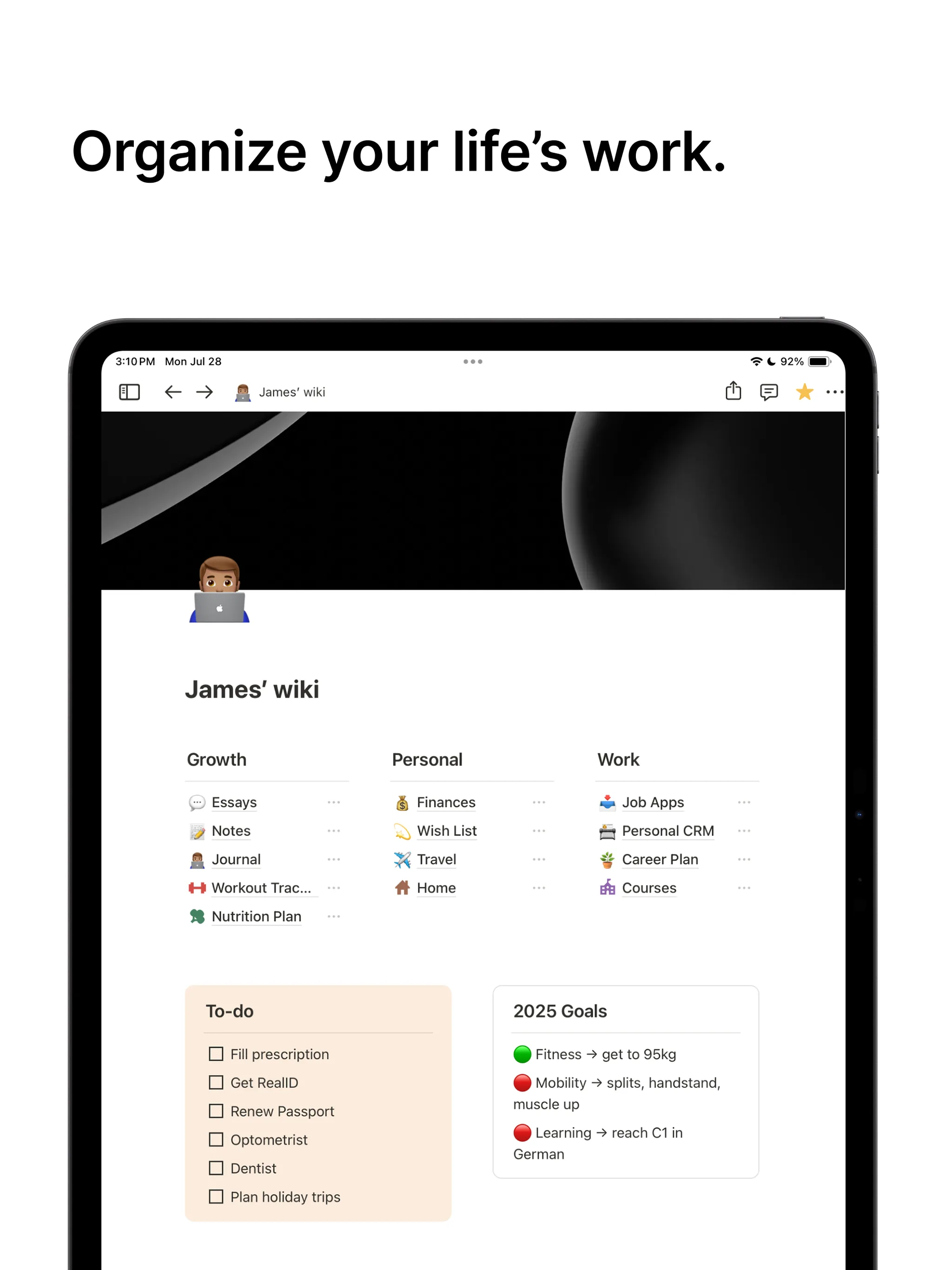
Databases
The sleeper feature — one data source, many views (table, kanban, calendar, timeline).
Source ↗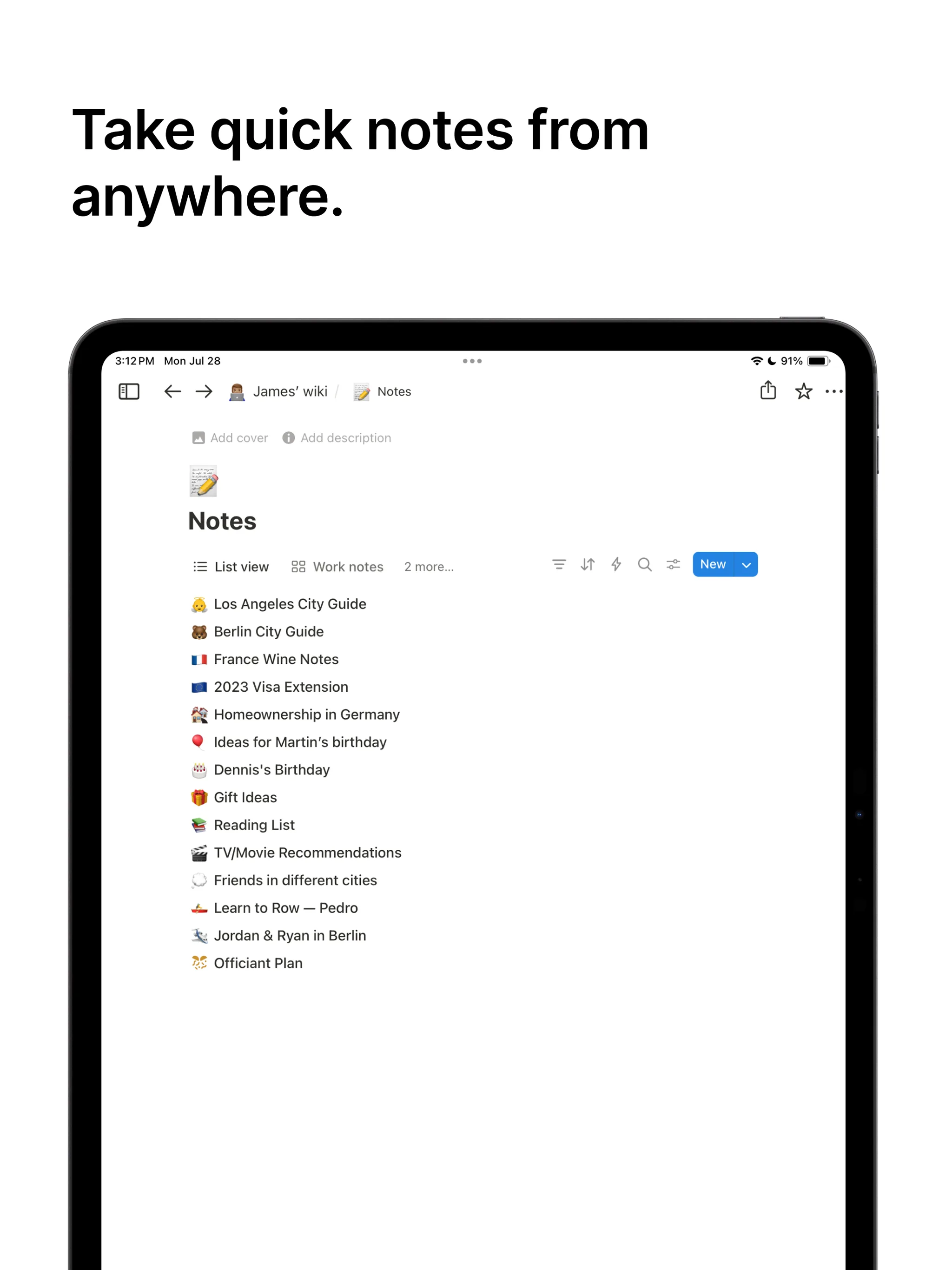
Notion AI
Summarization, Q&A, and drafting across your own pages. Now included on Plus and Business.
Source ↗