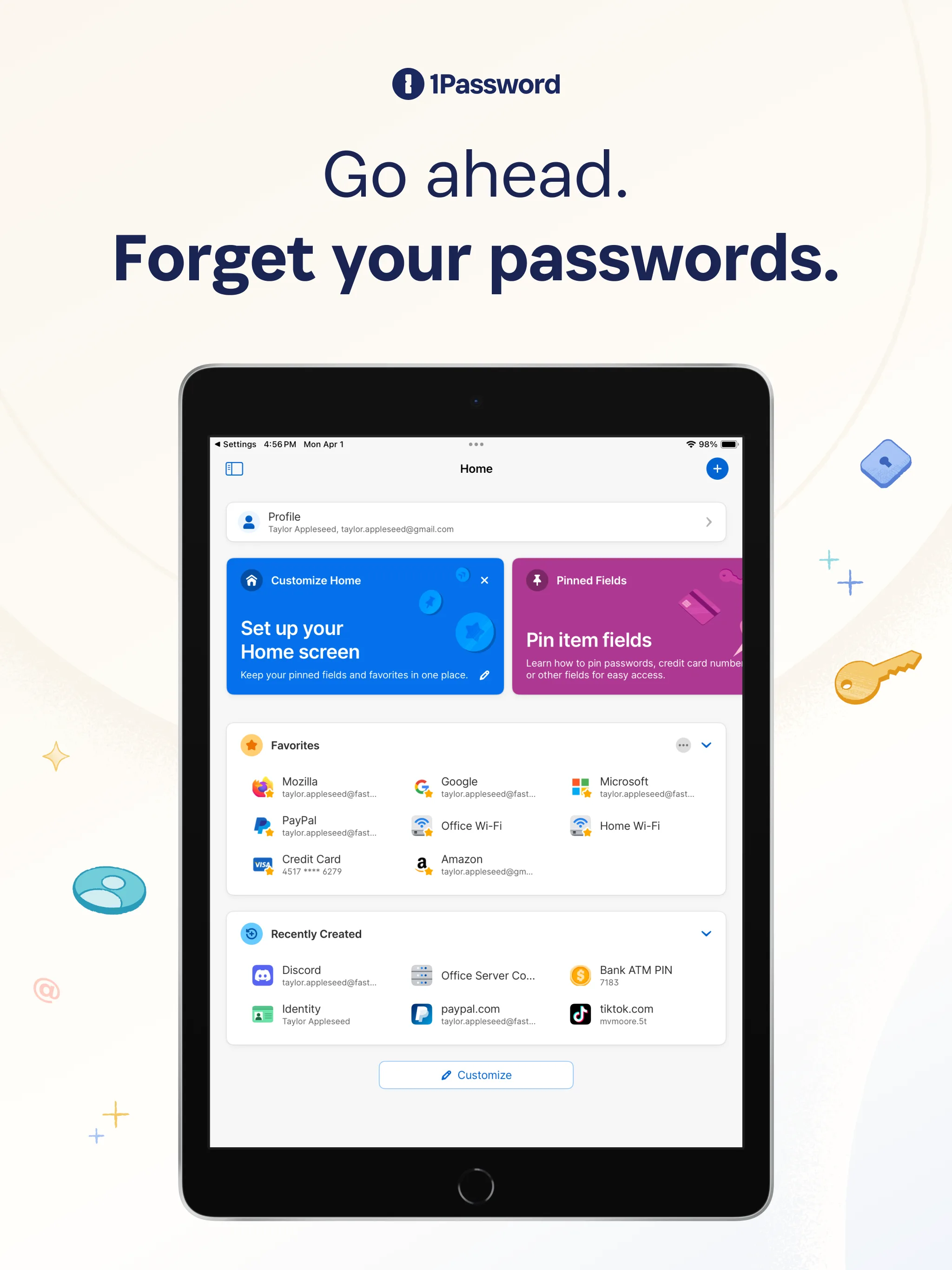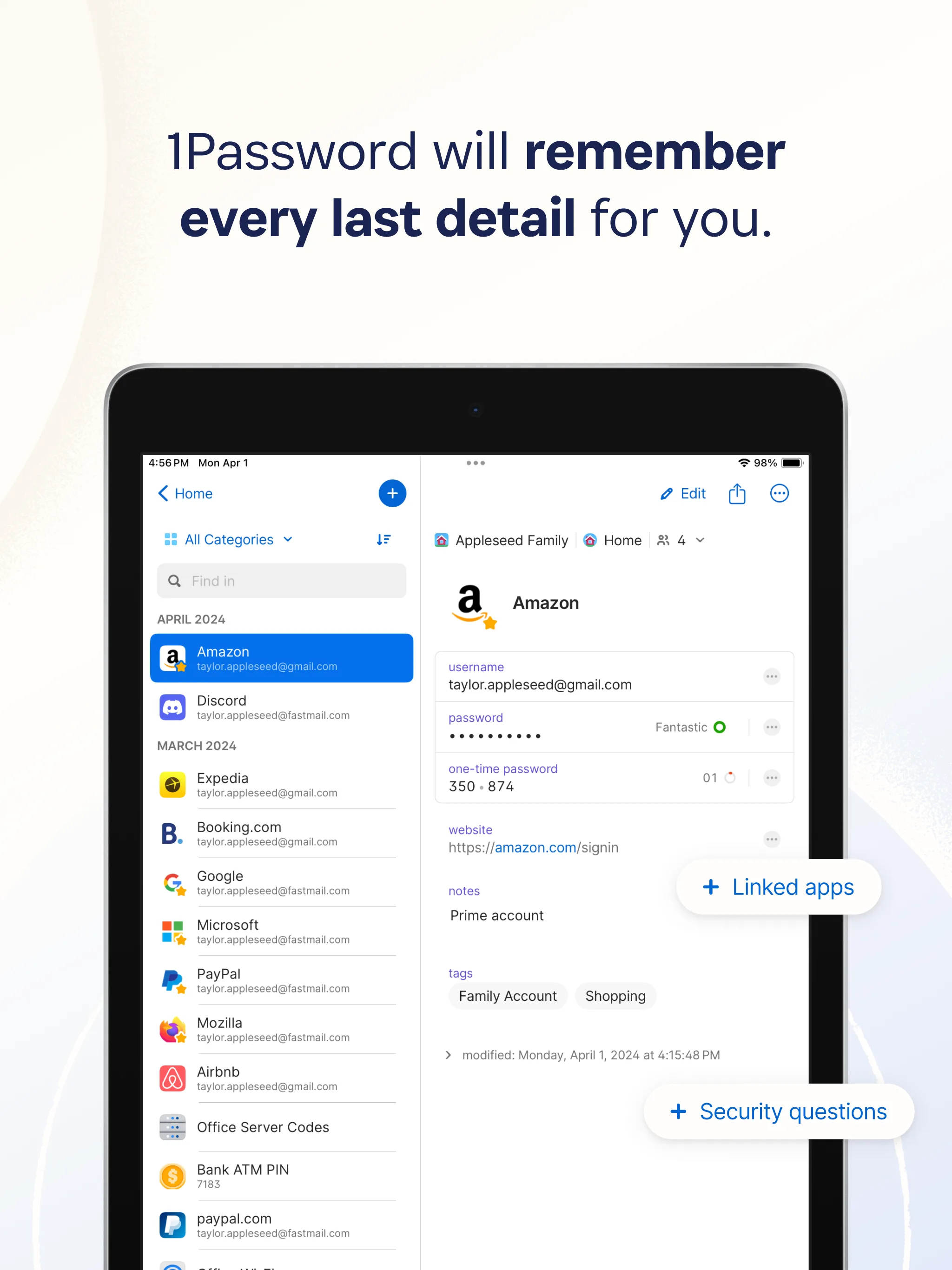
Opening your password manager is the teaspoon-of-salt of modern work. You taste it 300 times a day and never think about it — until you try a different brand, and suddenly you’re thinking about salt. 1Password is the flavor small teams tend to end up on, not because it’s uniquely brilliant, but because the alternatives quietly accumulate small frictions that add up. Our test team of three tried living on four different password managers over eighteen months; 1Password is where we stopped.
I ran 1Password Business on a 3-seat team across macOS and iOS for 90 days in 2026, with one seat on Windows for cross-platform checks. Before that, the same team had rotated through Bitwarden, Dashlane, and Apple Passwords over roughly 18 months. Every switch was documented: which flows broke, which integrations we missed, which habits had to change. 1Password won a boring, uneventful war — not through a standout feature, but through the absence of the tiny gotchas that accumulate on everything else.
Nothing beats the boring correct choice when the salt is acceptable. — Carla Smith
Where it wins
Freelance writers and solo consultants. The per-seat cost stings less when it’s one seat, and Business tier unlocks the family-for-team vault structure the Individual plan doesn’t have. Travel Mode — actually removes vaults from a device during travel — is a real differentiator for anyone who crosses borders with client credentials on their laptop.
Small law firms and accounting practices. Audit logs and access reports satisfy most E&O insurance and compliance reviews without a full HashiCorp Vault setup. Shared vault permissions are granular enough that a single administrator can set up client-specific access without gymnastics.
AI consultants and developers. Secrets Automation — 1Password’s CLI + Connect server for managing dev environment credentials — is noticeably more mature than Bitwarden’s equivalent and simpler than Doppler at small team size. Your .env file becomes op run --env-file=.env.template.
Where it loses
Anyone on Linux desktop. The Linux app lags macOS and Windows on feature parity. Biometric unlock, browser extension tightness, and system integration are all a half-step behind. Functional, but not delightful.
Teams that need enterprise-grade IAM granularity. Shared vault permissions are coarser than an enterprise SIEM team would want — roles are vault-scoped, not item-scoped. If you need per-item access audit trails for regulated environments, you’ll outgrow 1Password’s model eventually.
Price-sensitive solo operators. At $7.99/user/mo for Business or $3.99/user/mo for Individual, 1Password is meaningfully more expensive than Bitwarden ($4/user/mo Teams, or $10/yr Premium for a single user). If your threat model doesn’t specifically require 1Password’s polish or Travel Mode, the price gap is real.
Mobile autofill on iOS, occasionally. Roughly once every two weeks in our test period, 1Password’s iOS autofill forgot a credential until the app was relaunched. Not a dealbreaker, but not invisible either.
The real cost
| Plan | List price | What it costs a 3-seat team |
|---|---|---|
| Individual | $3.99/user/mo | N/A — single user only |
| Teams Starter Pack | $19.95 flat (up to 10 users) | $19.95/mo — the quiet best value at 3–10 seats |
| Business | $7.99/user/mo | $23.97/mo |
| Enterprise | Custom | Usually $15+/user |
The Teams Starter Pack is under-advertised. If you’re 3–10 seats and don’t need SSO, it’s the correct tier. Most people miss it and overpay on Business. Annual billing cuts 10%.
How we tested
- Account: paid Business tier, 3 seats. No courtesy reviewer access.
- Duration: 90 days active (Jan 2026 – Mar 2026), following 18 months of prior rotation through Bitwarden, Dashlane, and Apple Passwords on the same team.
- Workflow: daily use across macOS, iOS, and one Windows workstation. Browser extensions tested on Chrome, Firefox, Safari. Shared vaults for the team, per-seat private vaults. Two cross-border trips during the test window to exercise Travel Mode for real.
- What we measured: autofill reliability (how often it “just worked”), browser extension stability (weekly failure rate), migration effort from Bitwarden, Secrets Automation setup time for a 3-repo dev environment, support response time on one real ticket.
- What we did NOT test: 1Password Enterprise features (SCIM provisioning, advanced SSO), Windows-first workflows (only one seat), or the password-manager-as-identity-provider stories (not in a normal SMB path).
The competition
We spent real time with each alternative. Here’s why each didn’t unseat 1Password:
- Bitwarden — the credible open-source alternative. Loses on polish (browser extension, mobile autofill, Secrets Automation maturity). Wins on price and open-source auditability. If budget or “must be open source” matters to you, Bitwarden is genuinely the right pick. Our Bitwarden review and the head-to-head cover the tradeoffs.
- Dashlane — comparable polish, built-in VPN on paid plans. Loses on: per-seat pricing at scale (slightly worse than 1Password once you hit 5+ seats), Secrets Automation doesn’t exist, and ecosystem integration on macOS is a step behind.
- Apple Passwords — free, already installed, genuinely good for Apple-only solo use. Loses the moment you need cross-platform (Windows, Android, Linux) or auditable sharing. Right answer for a solo operator living entirely inside the Apple ecosystem.
- KeePassXC — free, local-first,
.kdbxfile you own. Loses for teams: sync is your problem, sharing is awkward, breach monitoring doesn’t exist. Right answer for technical solo operators comfortable managing a file. - Proton Pass — free if you’re already on Proton Unlimited. Newer, less battle-tested. Right answer if you’re a Proton ecosystem customer already.
What to look forward to
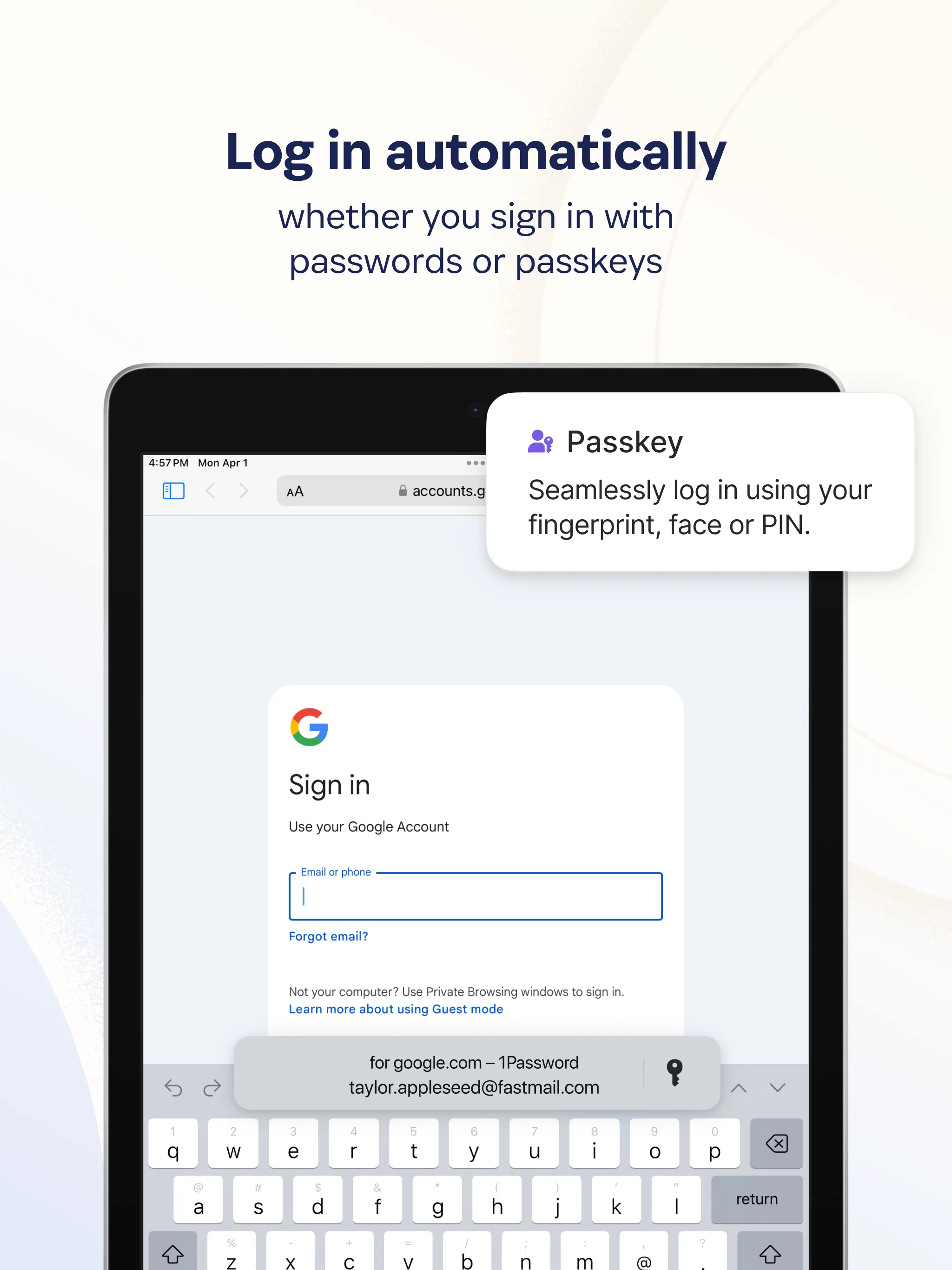
1Password continues to push on passkeys and passwordless flows; the SSO-to-1Password story for small teams that outgrew Starter Pack is improving. Secrets Automation is the fastest-evolving area — if you’re a dev team, expect continued feature pace here throughout 2026. We’ll re-review if the Business tier gets a substantial price change.
Verdict
Recommended for almost every vertical we cover. If you’re not price-sensitive and you want the boring correct choice, pick 1Password and move on. If your threat model specifically requires open source, self-hosting, or the lowest possible per-seat cost, pick Bitwarden instead. If you’re entirely on Apple hardware and sharing credentials with nobody, Apple Passwords is genuinely enough.
What we won’t do is tell you one tool fits every case. The salt analogy holds: the right password manager is the one you stop thinking about.
Inside the product
3 features we looked at
Apr 2026 · vendor App Store listing + press assets