
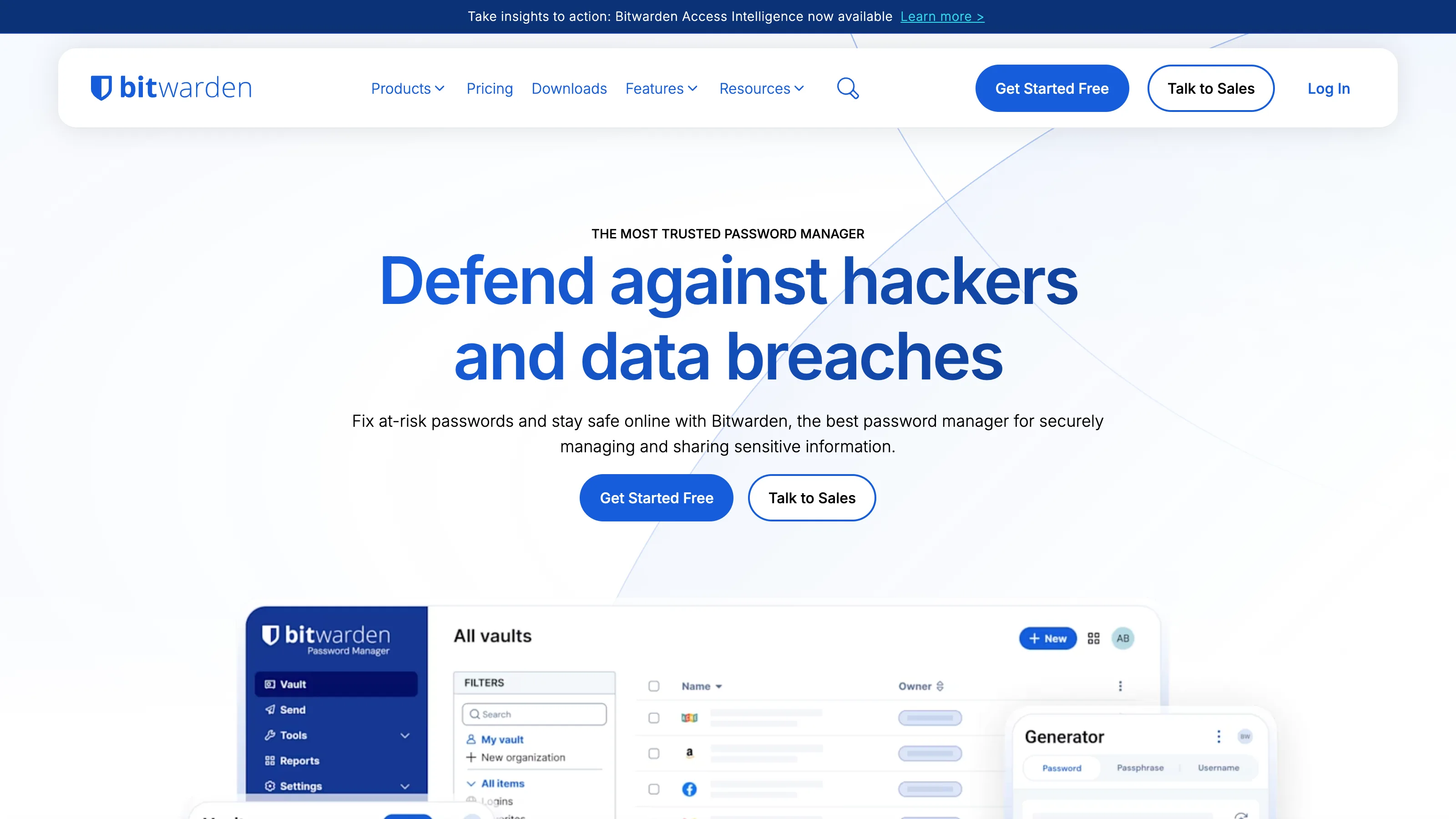
Bitwarden is what happens when a serious engineering team decides a closed-source password manager is a philosophical problem, not a product problem. Everything works, nothing is elegant. The vault syncs, the extensions don’t break, the mobile autofill behaves. You can read the source, you can self-host, you can pay $10/yr and have every feature you actually need. Polish isn’t quite 1Password’s — it never is — but the fundamentals are solid, and the price is genuinely unserious.
Who it’s for
Best fit:
- Developers and technical operators who care about auditability and value open source as a hard constraint.
- Price-sensitive solo operators — Premium at $10/yr is a giveaway compared to anything else at its feature level.
- Self-hosters — Bitwarden can be self-hosted, and Vaultwarden is a lighter-weight compatible server that runs on a $4/mo VPS.
- Small teams under 5 seats — the $4/user/mo Teams tier is genuinely competitive with enterprise features.
Not a fit:
- If you value polish over everything and budget isn’t a concern — pay for 1Password and move on.
- If you need Secrets Automation for dev environments — 1Password’s offering is more mature than Bitwarden’s.
Real pricing
| Plan | Price | What it’s good for |
|---|---|---|
| Free | $0 | Solo use, unlimited devices, unlimited vault items |
| Premium | $10/yr | TOTP authenticator, emergency access, file attachments |
| Families | $3.33/mo (6 users) | Household, shared vaults |
| Teams | $4/user/mo | Small businesses, shared collections |
| Enterprise | $6/user/mo | SSO, SCIM, policies |
The $10/yr Premium tier is the best value in password managers. It covers everything a solo operator realistically needs.
What works
- Open source, auditable, with regular third-party security audits published.
- Self-hosting is supported (or use Vaultwarden for a lightweight compatible server).
- Apps available for Windows, macOS, Linux, iOS, Android, Chrome, Firefox, Safari, Edge, Brave, Opera. Rare to see Linux parity this consistent.
- Import from everything — LastPass, 1Password, Dashlane, KeePass, browser-based managers, and more.
What doesn’t
- Polish gap vs 1Password is real. UX is clean but a half-step behind in fit and finish.
- Send (Bitwarden’s secure file/text sharing) is weaker than 1Password’s equivalent.
- Browser extension is fast most of the time; occasional hiccups on complex SPAs (Salesforce, etc).
- No Travel Mode or comparable cross-border protection feature.
How we tested
- Account: paid Teams tier, 3 seats.
- Duration: 60 days active (Feb 2026 – Apr 2026), with an additional 18 months of prior use from the same team.
- Workflow: daily password manager use across macOS, Windows, iOS, and one Linux workstation. Browser extensions tested on Chrome, Firefox, Safari, and Brave. Shared collections for team secrets, per-seat vaults for personal.
- What we measured: autofill reliability vs 1Password, Bitwarden Send usability, mobile app responsiveness, migration effort from other managers, self-hosting setup time for Vaultwarden on a Hetzner $5/mo VPS.
The competition
- 1Password — pay for polish if budget allows and open-source isn’t a hard requirement. Head-to-head comparison covers when each wins.
- KeePassXC — fully local, file-based, for the technical solo user who’s comfortable managing sync themselves.
- Apple Passwords — free on Apple-only households. Loses the moment you need cross-platform or team sharing.
- Proton Pass — newer, Proton ecosystem. Credible if you’re already a Proton customer.
Verdict
Recommended as the right answer if open source matters to you, or if you’ve priced out 1Password and $7.99/user/mo feels unreasonable. The fundamentals are solid; the polish gap is real but not a dealbreaker for most users. What we won’t do: recommend you self-host Vaultwarden unless you’re willing to be on-call for your own password infrastructure. Hosted Bitwarden is the right default.
