
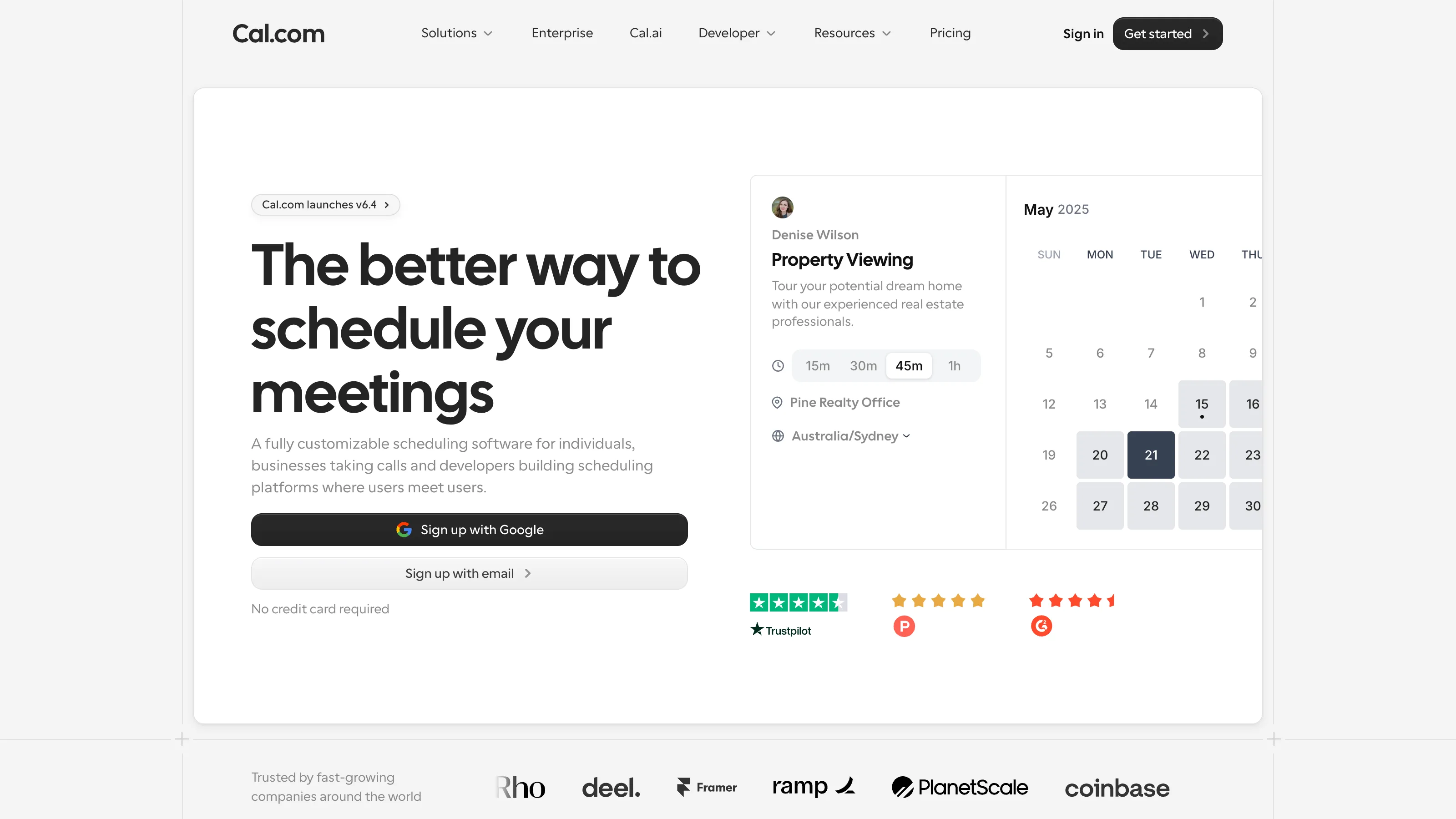
Cal.com is the scheduling tool with an escape hatch. Every feature Calendly has, plus an Export button, plus a docker compose up command, plus a GitHub repo with 20,000 stars. It’s what the open-source crowd asked for and the proprietary crowd didn’t build. The product is genuinely good — not “good for an open-source tool,” just good. The one thing it can’t buy with code is a decade of brand recognition, and that matters more than we’d like to admit.
Who it’s for
Best fit:
- Developers, technical founders, indie makers who want an open-source scheduling tool they can inspect, extend, or self-host.
- Privacy-conscious solo operators who don’t want their booking activity living on a US SaaS vendor’s servers.
- Teams comfortable with modern tooling — Cal.com’s API-first design makes custom integrations straightforward.
Not a fit:
- Client-facing service businesses where “Calendly me” is the recognizable phrase — invitee familiarity is a real thing, and Calendly still wins there.
- Non-technical solo operators who want zero decisions — Calendly’s onboarding is more guided.
Real pricing
| Plan | Price | What it covers |
|---|---|---|
| Free (Managed) | $0 | Unlimited bookings, core features, Google/Outlook |
| Teams (Managed) | $15/user/mo | Round-robin, team scheduling, SAML SSO |
| Organizations (Managed) | $37/user/mo | Multi-team orgs, advanced analytics |
| Self-hosted | Free | Run on your own infrastructure |
The free tier is genuinely enough for most solo operators. Self-hosting trades setup time for zero monthly cost and full data control.
What works
- Open source — MIT-licensed, actively developed, well-maintained.
- Self-hosting works. Docker Compose setup is documented and runs reliably. Vaultwarden-style lightweight deployments are possible.
- API-first. Every scheduling action has an API endpoint; webhooks are granular and reliable.
- App store with ~100 integrations (Zapier, Stripe, Google Meet, Zoom, Salesforce, HubSpot, and so on).
- Routing forms are powerful — at parity or slightly ahead of Calendly on complex conditional logic.
What doesn’t
- Client familiarity — invitees occasionally wonder what cal.com is. “Calendly me a time” is in common speech; “book me on cal.com” isn’t.
- Mobile apps are newer and less polished than Calendly’s (though catching up).
- Enterprise polish. If you’re at 100+ seats with SAML/SCIM needs, Calendly’s Enterprise tier is still more battle-tested.
- Documentation for self-hosting gets you running but leaves some edge cases (backups, scaling) unclear.
How we tested
- Account: free Managed tier, 1 user.
- Duration: 45 days active (Mar 2026 – May 2026), running in parallel with Calendly Standard on a shadow domain.
- Workflow: solo operator with 4 event types (same as the Calendly test): 15-min intro, 30-min strategy, 60-min workshop, paid 90-min intensive via Stripe.
- What we measured: booking completion rate vs Calendly on identical event types, invitee questions per booking, self-hosting setup time on a Hetzner $5/mo VPS (about 90 minutes for a working Docker Compose deploy), API/webhook integration effort.
The competition
- Calendly — the invitee-familiarity winner. Full head-to-head covers when each is the right pick.
- SavvyCal — better for peer/two-sided scheduling.
- Google Calendar Appointments — free on Workspace Business Standard. Enough for solo 1:1.
- Microsoft Bookings — M365-native. Right for service businesses with staff/locations.
Verdict
Recommended if open source matters to you, or you have the technical chops to self-host and want full data control. For everyone else, Calendly remains the boring correct pick primarily because of client familiarity. What we won’t do: push small operators toward self-hosting who don’t want to be oncall for their own scheduling infrastructure. Managed Cal.com at $15/user/mo is the right middle.
