
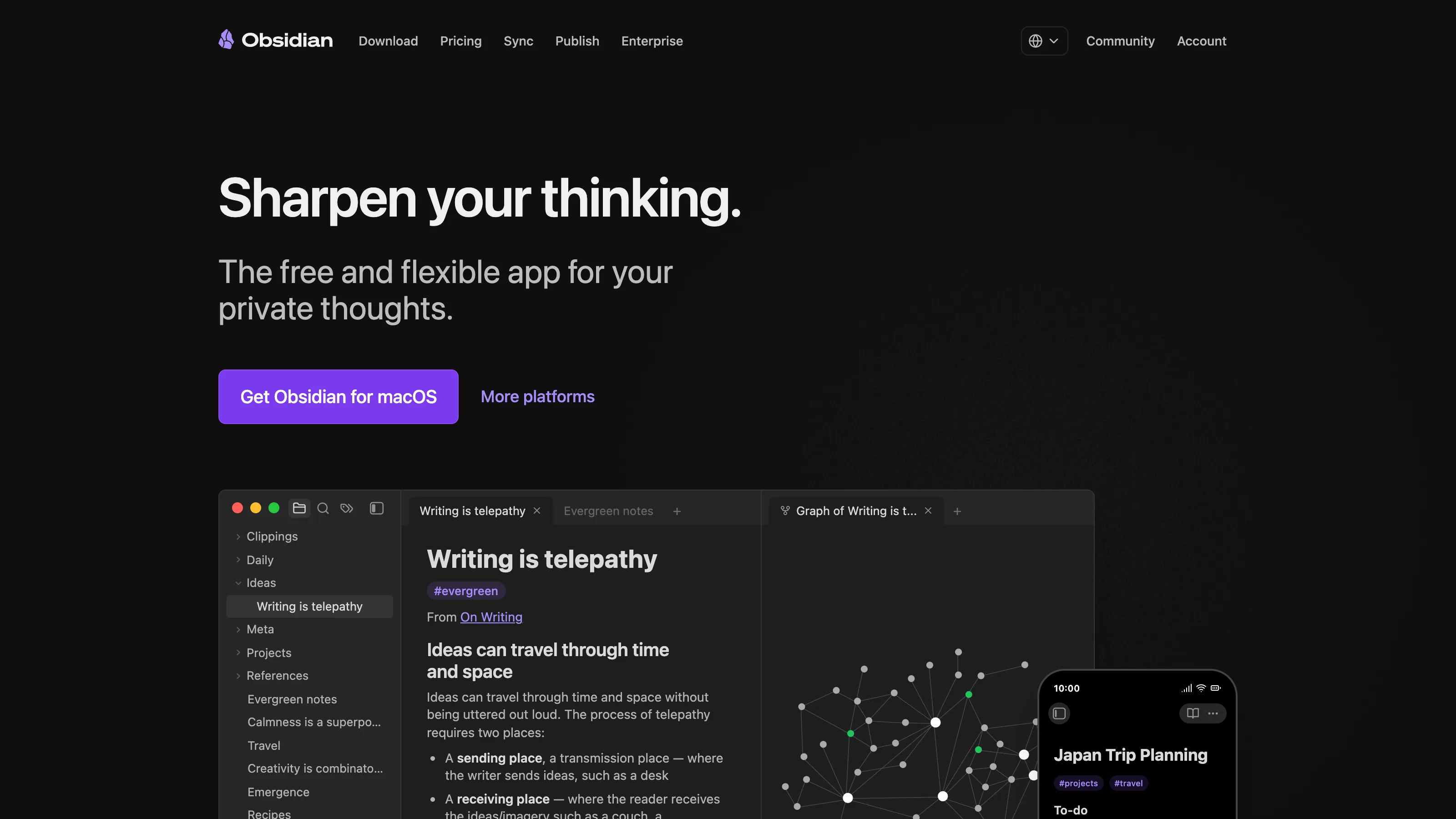
Obsidian is a folder of Markdown files with a good front end. That’s the whole product and that’s the whole selling point. The people who love it aren’t selling themselves on features; they’re signing an agreement with their future selves — my notes will still open in any text editor in thirty years, on a laptop that doesn’t exist yet, belonging to a me who is presumably wiser. It’s a product built around a specific refusal: we will not hold your data hostage. Other Notion-replacements make that claim. Obsidian actually lives it.
Who it’s for
Best fit:
- Freelance writers keeping drafts, research, and source files in a private knowledge base.
- Researchers, journalists, academics who need local-first storage with zero cloud dependency.
- Therapists and coaches who need to keep notes that never touch a third-party server.
- Daily journalers — Obsidian’s daily notes workflow is exceptional.
Not a fit:
- Teams that need real-time collaboration — pick Notion.
- Anyone who thinks in databases-over-pages — Notion’s database primitive is categorically more powerful for that mental model.
- Teams needing member billing, public sites, or CMS features — Ghost or Notion.
Real pricing
| Plan | Price | What it covers |
|---|---|---|
| Personal | Free | All core features |
| Catalyst Insider | $25 one-time | Early builds, community recognition |
| Commercial | $50/user/yr | Required for commercial use |
| Obsidian Sync | $8/mo | First-party end-to-end encrypted sync |
| Obsidian Publish | $10/mo | Publish vault as a public site |
Most solo operators run Obsidian free + Dropbox/iCloud for sync. Pay for Sync if you want end-to-end encryption you don’t have to configure.
What works
- Local-first. Your vault is a folder of
.mdfiles on your disk. If Obsidian disappeared tomorrow, your notes would still open in any text editor. - Plugin ecosystem. Dataview (query engine), Templater (templates), Excalidraw (drawing), Calendar, Kanban, and hundreds more — all free, all community-maintained.
- Daily notes are first-class. Hit a hotkey, get today’s page.
- Markdown-native. What you write is exactly what’s on disk. No lock-in.
- Free for personal use, and that’s not a growth-hack free tier — it’s the full product.
What doesn’t
- No real-time collaboration. Obsidian is a solo tool; multiplayer editing isn’t the point.
- Mobile is serviceable, not polished. The desktop experience is where Obsidian shines.
- Database views don’t exist natively. Dataview plugin queries are powerful but require writing query syntax.
- Initial setup decisions — which plugins? which templates? which sync? — can be overwhelming for non-technical users.
- Official support is light. It’s a community-driven product; bug reports go to GitHub.
How we tested
- Account: free personal tier plus paid Obsidian Sync ($8/mo) on a solo writer setup.
- Duration: 180 days (Nov 2025 – Apr 2026).
- Workflow: daily journal, three simultaneous book drafts, research notes with 40+ source documents, Dataview-based reading log tracking 120+ entries.
- What we measured: setup friction for a non-technical writer (observed with a test user), plugin stability over 6 months of updates, mobile parity with desktop, Dataview query performance on 1,200+ notes, sync conflicts between iCloud and Obsidian Sync.
The competition
- Notion — the right pick if you need databases, collaboration, or template-driven workflows. Full head-to-head covers when each wins.
- Logseq — outliner-first, also local and open source. Loses if you think in pages rather than outlines.
- iA Writer — single-purpose writing app. Loses the moment you want linking, tagging, or a knowledge graph.
- Anytype — local-first + E2E encrypted P2P sync, open source. Still rough; worth watching but not production-ready.
- Bear — pretty, Mac-native. Loses on: no plugin ecosystem, no Dataview-equivalent, subscription-only sync.
Verdict
Recommended for every writer, researcher, or solo operator whose notes are part of their business and who wants zero vendor lock-in. The learning curve is real but short — give it a weekend. The refusal move: we won’t recommend Obsidian for teams. It’s a single-user product that gets worse every time you try to shoehorn collaboration into it.
